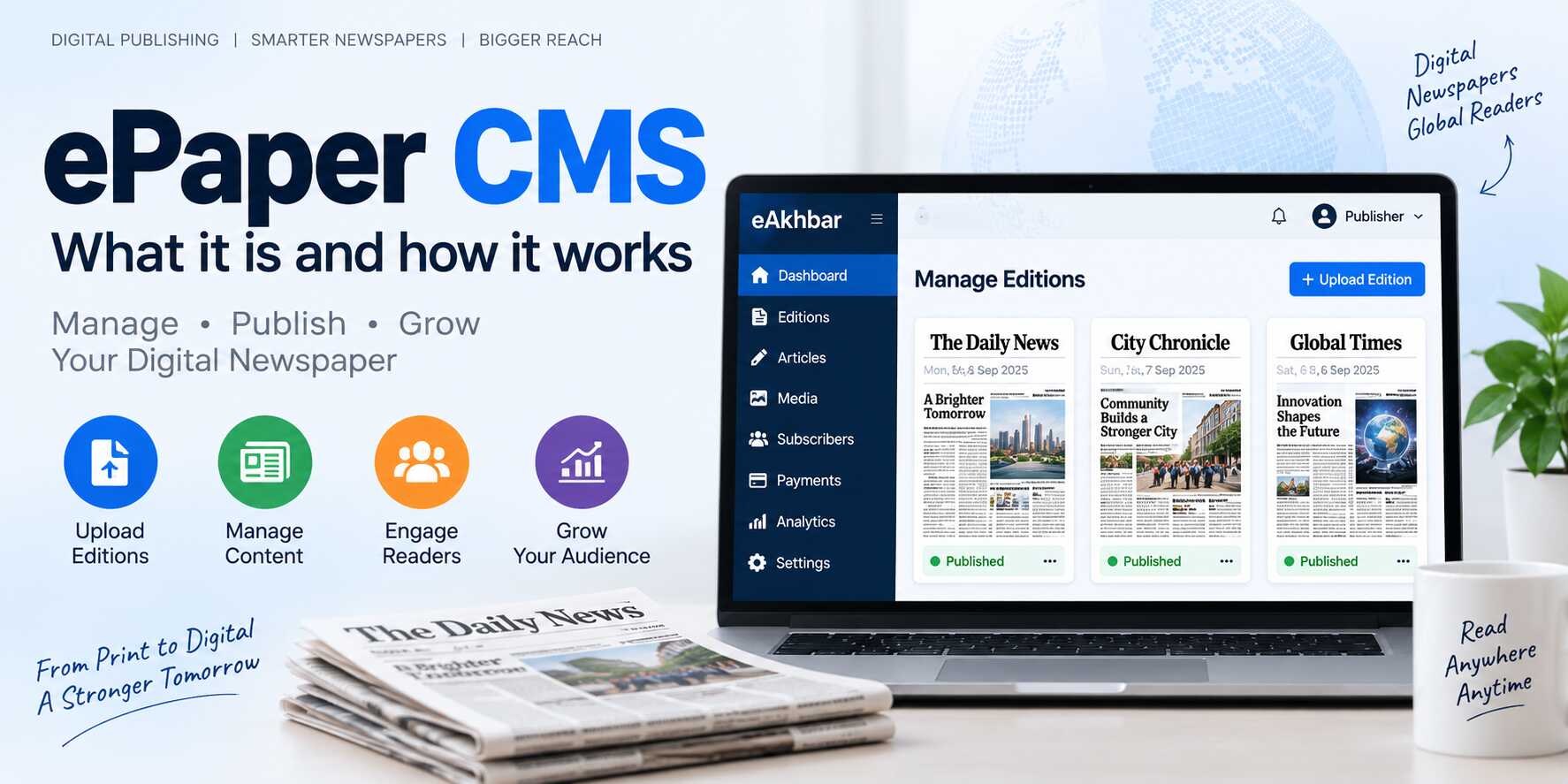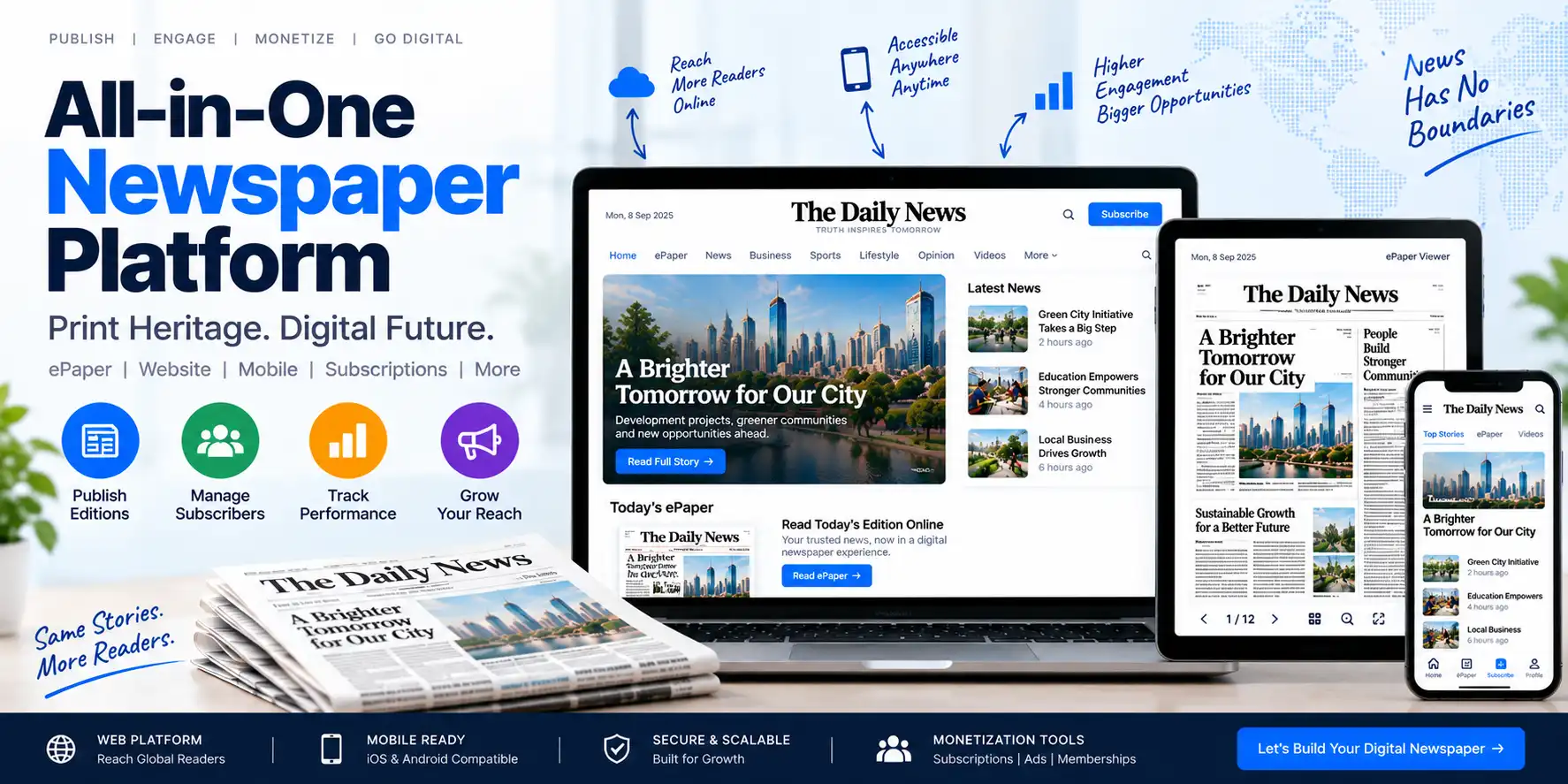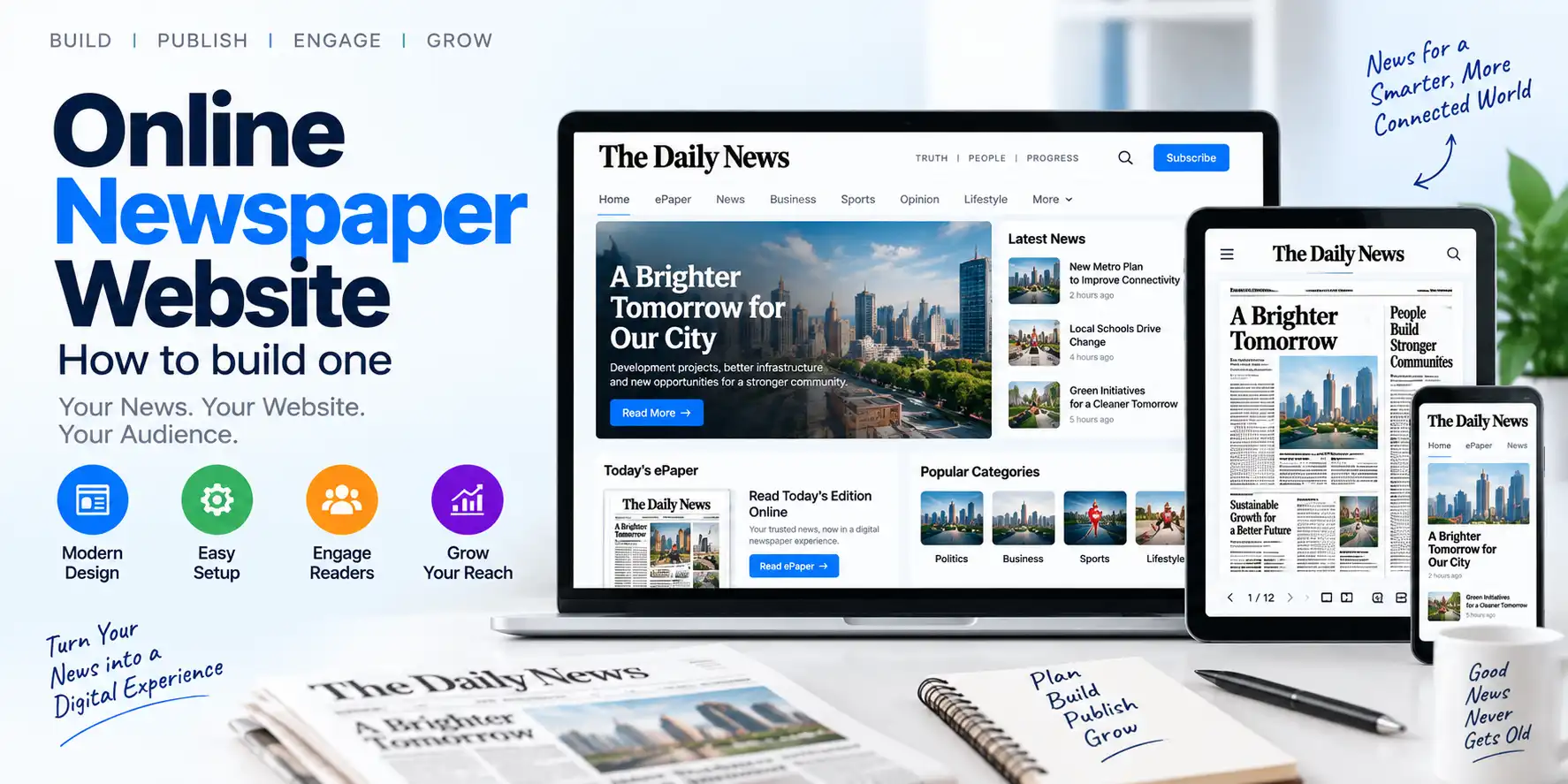
Newspapers traditionally prepare their editions for printing. After the design is completed, the final newspaper is usually exported as a PDF for printing, distribution or digital sharing.
However, publishing a PDF on the internet is only the first step toward creating a professional digital newspaper.
A complete online newspaper website should allow readers to:
- View the latest newspaper edition
- Read the newspaper on mobile devices
- Browse previous editions
- Search for articles
- Open individual stories
- Share newspaper content
- Subscribe to digital editions
- Make online payments
- Receive publication notifications
- Access the newspaper from anywhere
With the help of an ePaper CMS, publishers can convert their existing PDF-based workflow into a structured digital newspaper platform.
This guide explains how to create an online newspaper website from PDF files, what features are required, how the publishing process works and how publishers can build a sustainable digital newspaper business.
What Is an Online Newspaper Website?
An online newspaper website is a digital platform where readers can access newspaper content through the internet.
It may include:
- Daily newspaper editions
- Digital PDF viewing
- Individual article pages
- News categories
- Digital archives
- Subscription plans
- Reader accounts
- Online payments
- Search functionality
- Mobile access
- Notifications
- Advertising spaces
There are two common types of online newspaper websites.
PDF-Based Digital Newspaper Website
This type of website displays the newspaper in its original PDF or page-based format.
It is useful for publishers who want to reproduce the printed newspaper online.
Article-Based Newspaper Website
This type of website publishes individual news stories as separate web pages.
It may include:
- Headlines
- Article text
- Images
- Videos
- Categories
- Author information
- Related stories
- Search engine optimization
Many modern publishers combine both approaches.
They provide the original ePaper edition along with individual article pages.
Why Convert a Newspaper PDF Into an Online Website?
Publishing a newspaper online can provide several benefits.
Wider Reader Access
Readers can access the newspaper from different cities, states and countries.
Mobile Availability
A digital edition can be viewed through smartphones and tablets.
Faster Distribution
Readers do not need to wait for physical delivery.
Digital Archives
Previous editions can be stored and organized online.
Improved Reader Engagement
Interactive articles, sharing tools and search functionality can make the publication easier to use.
Subscription Opportunities
Publishers can offer digital subscriptions and paid access.
Better Brand Visibility
A professional newspaper website can improve the publication’s online presence.
Additional Revenue
Publishers may generate income through:
- Digital subscriptions
- Advertisements
- Sponsored content
- Memberships
- Premium archives
- Institutional access
For more information about the broader digital publishing model, read What Is ePaper CMS? Complete Guide for Newspaper Publishers.
Step-by-Step Process to Create an Online Newspaper Website From PDF
The following process can help publishers launch a digital newspaper website.
Step 1: Select a Domain Name
The first step is choosing a suitable domain name.
A domain name is the web address readers use to access the newspaper website.
For example, a publisher may choose a domain based on:
- Newspaper brand
- Publication name
- Region
- Language
- City
- News category
A good domain name should be:
- Easy to remember
- Easy to spell
- Relevant to the newspaper
- Suitable for long-term branding
- Available with an appropriate domain extension
Publishers should avoid overly complicated domain names or unnecessary special characters.
Step 2: Choose Reliable Hosting
The website requires hosting to store files and serve content to readers.
Hosting requirements depend on:
- Number of daily visitors
- PDF file sizes
- Number of editions
- Archive size
- Image usage
- Video content
- Subscription traffic
- Expected traffic during breaking news
An online newspaper website may require more storage and bandwidth than a basic business website.
Important hosting considerations include:
- Storage capacity
- Bandwidth
- Server performance
- CDN support
- Backup facilities
- SSL certificate
- Server security
- Scalability
- Technical support
A large newspaper archive should be planned carefully so that storage and performance remain manageable.
Step 3: Choose ePaper CMS Software
The next step is selecting suitable ePaper publishing software.
An ePaper CMS helps publishers manage PDF editions and digital newspaper operations through an administration panel.
Important features to evaluate include:
- PDF upload
- Edition management
- Page management
- Article mapping
- Digital archives
- Article continuation
- Reader accounts
- Subscription management
- Online payments
- Mobile viewing
- PWA support
- SEO tools
- Custom domain
- White-label branding
- Role-based access
- Analytics
For a detailed comparison, read Best ePaper Software for Newspapers: Features, Benefits and How to Choose.
Step 4: Configure the Newspaper Website
After selecting the software, configure the main website settings.
Typical configuration options include:
- Website name
- Logo
- Favicon
- Brand colors
- Contact information
- Social media profiles
- About page
- Privacy policy
- Terms and conditions
- Copyright information
- Support details
- Default language
- Time zone
A newspaper website should have a clear identity and consistent branding.
Step 5: Upload the Newspaper PDF
Once the website is configured, the publisher can upload the final newspaper PDF.
The PDF is usually generated after the newspaper design is completed.
The publishing process may include:
- Open the administration panel.
- Create a new edition.
- Enter the edition name.
- Select the publication date.
- Upload the PDF file.
- Add a cover image if required.
- Configure visibility and access settings.
- Save the edition.
- Preview the edition.
- Publish it for readers.
For a detailed explanation, read PDF to ePaper: How to Convert and Publish a Newspaper Online.
Step 6: Organize Newspaper Editions
A newspaper website may contain hundreds or thousands of editions over time.
The publisher should organize editions using a clear structure.
Possible organization methods include:
- Date
- Month
- Year
- Region
- Language
- Publication type
- Edition category
For example:
2026
 ├── January
 ├── February
 ├── March
 ├── April
 └── May
For regional publishers, the structure may look like:
Regional Editions
 ├── Patna
 ├── Gaya
 ├── Muzaffarpur
 ├── Ranchi
 └── Delhi
A well-organized archive improves navigation and helps readers find older editions.
Step 7: Add Article Mapping
A PDF reproduces the visual appearance of a printed newspaper. However, readers may prefer to open individual stories directly.
Article mapping solves this problem.
It allows the publisher to select a specific area of a newspaper page and connect it to an article.
For example:
- Page 1 headline → Full article
- Sports story → Sports article
- Business report → Business article
- Editorial → Editorial page
- Local news → Local news article
Article mapping can improve:
- Mobile readability
- Article discovery
- Search engine visibility
- Social sharing
- Reader engagement
Learn more in ePaper Article Mapping: How to Turn PDF Newspapers Into Interactive Digital Editions.
Step 8: Create Digital Article Pages
If the ePaper platform supports article pages, publishers can create individual pages for important stories.
An article page may include:
- Article headline
- Main image
- Article content
- Author name
- Publication date
- Category
- Related stories
- Social sharing buttons
- SEO metadata
- Advertisement spaces
Article pages can provide a better reading experience than a PDF, particularly on mobile devices.
They can also make newspaper content easier to discover through search engines.
Step 9: Build a Digital Archive
A digital newspaper website should provide access to previous editions.
The archive page may include:
- Calendar navigation
- Monthly filters
- Year filters
- Edition filters
- Language filters
- Region filters
- Search functionality
- Cover thumbnails
An archive is useful for readers who want to find:
- Previous news reports
- Historical events
- Editorials
- Public notices
- Local announcements
- Special editions
- Advertisements
A searchable archive can become a valuable long-term resource for the publication.
Step 10: Add Reader Registration
Reader registration allows users to create accounts on the website.
A registration system may collect:
- Name
- Email address
- Mobile number
- Password
- Preferred language
- Preferred edition
- Subscription details
Reader accounts can support:
- Subscription management
- Saved articles
- Reading history
- Payment history
- Personalized notifications
- Account security
Publishers should collect only the information necessary for the service and provide appropriate privacy disclosures.
Step 11: Add Digital Subscriptions
Publishers who want to monetize their online newspaper can offer digital subscriptions.
Possible subscription plans include:
- Monthly plan
- Annual plan
- Weekly plan
- Digital-only plan
- Print-plus-digital plan
- Premium archive plan
- Institutional plan
- Family plan
A subscription system should provide:
- Plan management
- Subscription activation
- Access control
- Renewal tracking
- Cancellation options
- Payment history
- Digital receipts
- Failed payment handling
For more information, read Newspaper Subscription Software: How to Monetize Your Digital Newspaper.
Step 12: Integrate Online Payments
If the newspaper website offers paid content, it should provide a secure payment process.
The payment workflow may include:
- Reader selects a subscription plan.
- Reader creates or logs into an account.
- Reader enters payment details through the payment gateway.
- Payment is processed.
- The system verifies the payment status.
- Subscription access is activated.
- A receipt is generated.
- The reader can access the subscribed content.
The platform should clearly display:
- Subscription price
- Billing period
- Renewal date
- Refund policy
- Cancellation procedure
- Payment status
Publishers should select payment gateways suitable for their target audience and operating region.
Step 13: Optimize the Website for Mobile Devices
Many readers access newspapers through smartphones.
Therefore, mobile optimization is essential.
The website should provide:
- Responsive layouts
- Fast loading
- Touch-friendly controls
- Mobile-friendly navigation
- Readable text
- Optimized images
- Easy PDF viewing
- Simple subscription forms
- Mobile payment support
The ePaper viewer should also work properly on different screen sizes.
Publishers should test the website on Android and iOS devices before launch.
Step 14: Configure PWA Support
Progressive Web App technology can provide an app-like experience through a browser.
Depending on the platform, PWA functionality may allow readers to:
- Add the website to their home screen
- Open the newspaper quickly
- Use a mobile-friendly interface
- Receive notifications
- Access a branded digital experience
PWA support can be useful for publishers that want mobile convenience without developing separate native applications.
Step 15: Configure SEO
Search engine optimization helps readers discover the newspaper website through search engines.
Important SEO activities include:
- Keyword research
- Search-friendly URLs
- Page titles
- Meta descriptions
- Article headings
- Image alt text
- Internal linking
- XML sitemap
- Canonical URLs
- Structured data
- Mobile optimization
- Page speed improvement
Each important article should have a unique title and useful content.
Publishers should avoid creating large numbers of duplicate pages that provide little value.
The website should also make important content accessible to search engines.
Step 16: Add Social Sharing
Social sharing allows readers to distribute newspaper content through digital platforms.
Useful sharing options may include:
- X
- Telegram
- Copy link
Social sharing can help promote:
- Local news
- Editorials
- Business stories
- Sports reports
- Public notices
- Special editions
Publishers should use clear article URLs and attractive social sharing images.
Step 17: Add Notifications
Notifications can inform readers about new editions and important updates.
Possible notification types include:
- New edition available
- Breaking news
- Special edition published
- Subscription confirmation
- Payment confirmation
- Subscription renewal
- Important announcements
Notifications should be relevant and not excessive.
Step 18: Configure Security
Security is essential for an online newspaper website, especially when it manages reader accounts and payments.
Important security measures include:
- SSL certificate
- Secure administrator login
- Strong passwords
- Role-based access
- Regular backups
- Software updates
- Secure payment processing
- File access protection
- Account monitoring
- Privacy controls
Publishers should also establish a process for handling security incidents and data requests.
Step 19: Test the Website Before Launch
Before launching the website, test the complete publishing workflow.
Publishing Tests
- Upload a PDF.
- Create an edition.
- Edit edition details.
- Publish and unpublish an edition.
- Test archive organization.
Reader Tests
- Open the website on mobile.
- View the latest edition.
- Navigate between pages.
- Zoom into the PDF.
- Open mapped articles.
- Share an article.
- Search for an edition.
Subscription Tests
- Register a new reader.
- Select a subscription plan.
- Complete a payment.
- Confirm access activation.
- Test renewal information.
- Test cancellation and refund workflows.
SEO Tests
- Check page titles.
- Check meta descriptions.
- Test article URLs.
- Verify sitemap availability.
- Check mobile performance.
- Review indexing settings.
Step 20: Launch and Promote the Website
After testing, the publisher can launch the online newspaper website.
Promotion methods may include:
- Printed newspaper announcements
- Social media campaigns
- Email newsletters
- WhatsApp updates
- QR codes in printed editions
- Website banners
- Subscriber offers
- Referral programs
- Search engine optimization
- Local partnerships
A QR code printed in the physical newspaper can help readers quickly open the digital edition.
Common Mistakes to Avoid
Uploading Only PDFs Without Navigation
Readers may struggle to find older editions or individual stories.
Ignoring Mobile Readers
A desktop-only experience can reduce engagement.
Using Poor-Quality PDFs
Low-resolution files can create readability problems.
Not Organizing Archives
Unstructured archives become difficult to navigate over time.
Ignoring Article Mapping
Article mapping can improve the usefulness of a digital edition.
Not Providing Subscription Information
Paid plans should clearly explain pricing, billing and access rules.
Ignoring Website Speed
Large PDF files and unoptimized images can slow down the website.
Not Protecting Subscriber Data
Reader accounts and payment-related information require appropriate security.
Not Testing Real Newspaper Files
A platform should be tested with actual newspaper PDFs before launch.
How eAkhbar Can Help Create an Online Newspaper Website
eAkhbar digital newspaper platform provides features designed for digital newspaper publishing.
Its listed capabilities include:
- PDF publishing
- Digital edition management
- Article mapping
- Digital archives
- Article continuation
- Clip and share functionality
- Reader subscriptions
- Auto-renewing subscriptions
- Online payments
- Custom domain support
- White-label functionality
- PWA support
- SEO tools
- Role-based administration
These capabilities can help publishers create an online newspaper website without completely changing their existing PDF-based production workflow.
Publishers looking for a commercial ePaper CMS software solution can review the features and options offered by TezzSoft.
Future of Online Newspaper Websites
Online newspaper websites are evolving beyond simple PDF viewers.
Future platforms may include:
- AI-assisted article mapping
- Automatic OCR
- Smart search
- Multilingual content processing
- Personalized recommendations
- AI-powered reader assistants
- Advanced subscription analytics
- Automated notifications
- Digital content marketplaces
Publishers can learn more about these developments in AI in ePaper Publishing: How Artificial Intelligence Can Automate Newspaper Publishing.
Frequently Asked Questions
Can I create an online newspaper website from a PDF?
Yes. You can use ePaper software to upload PDF editions and publish them through a digital newspaper website.
Do I need a separate website to publish an ePaper?
You need an online platform where readers can access the digital edition. Some ePaper software includes website functionality, while other solutions may require integration with an existing website.
Can I publish multiple newspaper editions?
Yes. A suitable ePaper CMS can support daily, weekly, regional, language-based and special editions.
Can readers access the newspaper on mobile devices?
Yes. A responsive ePaper platform should allow readers to access digital editions through smartphones and tablets.
Can I charge readers for digital newspaper access?
Yes. Depending on the platform, you can offer monthly, annual or other subscription plans with online payment integration.
How can I make a PDF newspaper interactive?
You can use article mapping to connect specific areas of the PDF to individual article pages.
Can I create a newspaper archive?
Yes. An ePaper CMS can help organize previous editions by date, month, year, language or region.
How can I improve the SEO of my newspaper website?
Use unique article pages, optimized titles, meta descriptions, internal links, structured content, mobile-friendly layouts and searchable archives.
Can I use my own domain and branding?
Some ePaper platforms support custom domains, logos, brand colors and white-label publishing.
Is an ePaper CMS suitable for regional newspapers?
Yes. Regional publishers can use an ePaper CMS to publish local editions, organize archives and reach readers across different locations.
Conclusion
Creating an online newspaper website from PDF is an effective way to extend a traditional newspaper into the digital world.
The process begins with the publisher’s existing workflow:
Prepare Newspaper → Export PDF → Upload Edition → Organize Pages → Map Articles → Publish Online
A successful digital newspaper website should also provide:
- Mobile access
- Digital archives
- Article pages
- Search functionality
- Reader accounts
- Subscriptions
- Online payments
- SEO tools
- Social sharing
- Secure administration
An ePaper CMS can simplify the process by bringing these functions together in one platform.
For publishers, the goal should not be limited to uploading a PDF. The larger objective should be to create a complete digital newspaper experience that is accessible, searchable, interactive and ready for future growth.